AirDrop for
Android & Mac
EscapeRope moves files, text, clipboard, and notifications between your Android phone and your Mac — instantly, over your own Wi-Fi. End-to-end encrypted. No cloud, no cables, no account.
Free .dmg for macOS · first launch: right-click the app → Open.
Everything in one rope
The bridge Android and macOS never shipped — fast, private, and yours.
Two-way transfers
Send and receive. Push files from Android to your Mac, or drop them from your Mac straight onto your phone.
Share from anywhere
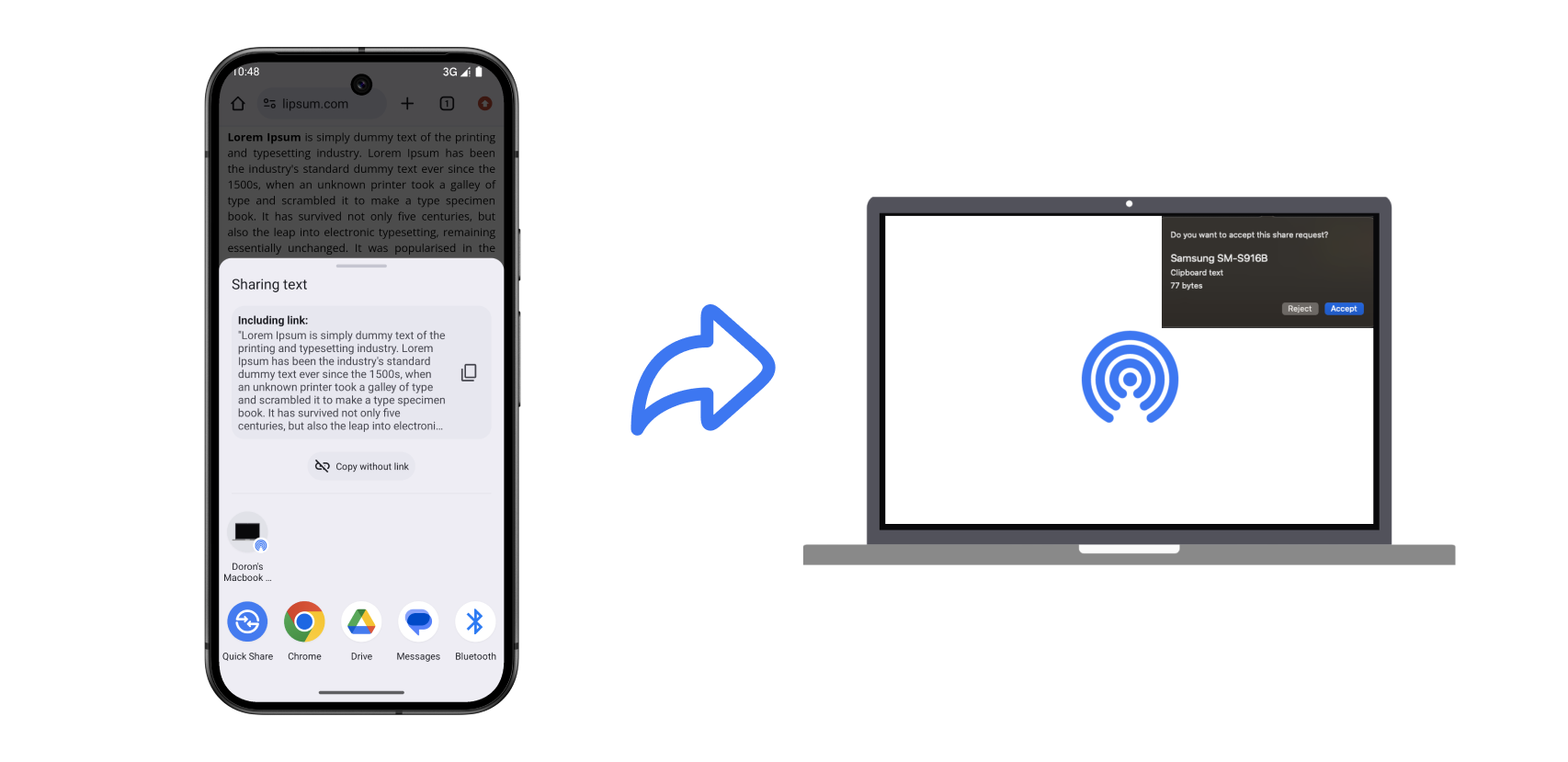
Your Mac shows up right in Android's share sheet as a direct target. Tap share in any app and it's on its way.
Clipboard, copied across
Copy a link or a paragraph on your phone and paste it on your Mac a second later. One tap, no fuss.
Notification mirroring
See your phone's notifications pop up on your Mac, so you never reach for it mid-flow.
Private by design
Every transfer is end-to-end encrypted and stays on your local network. Nothing touches a server — there isn't one.
Fast & resilient
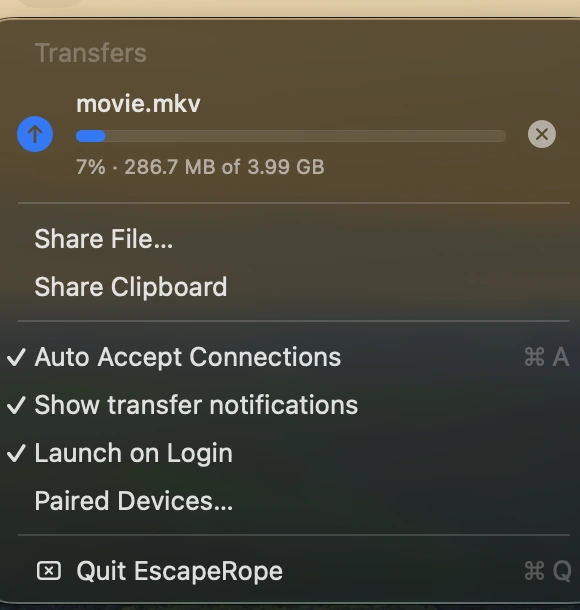
Wi-Fi speeds, multiple files at once, and transfers that resume themselves if the connection drops.
Built for the way you actually work
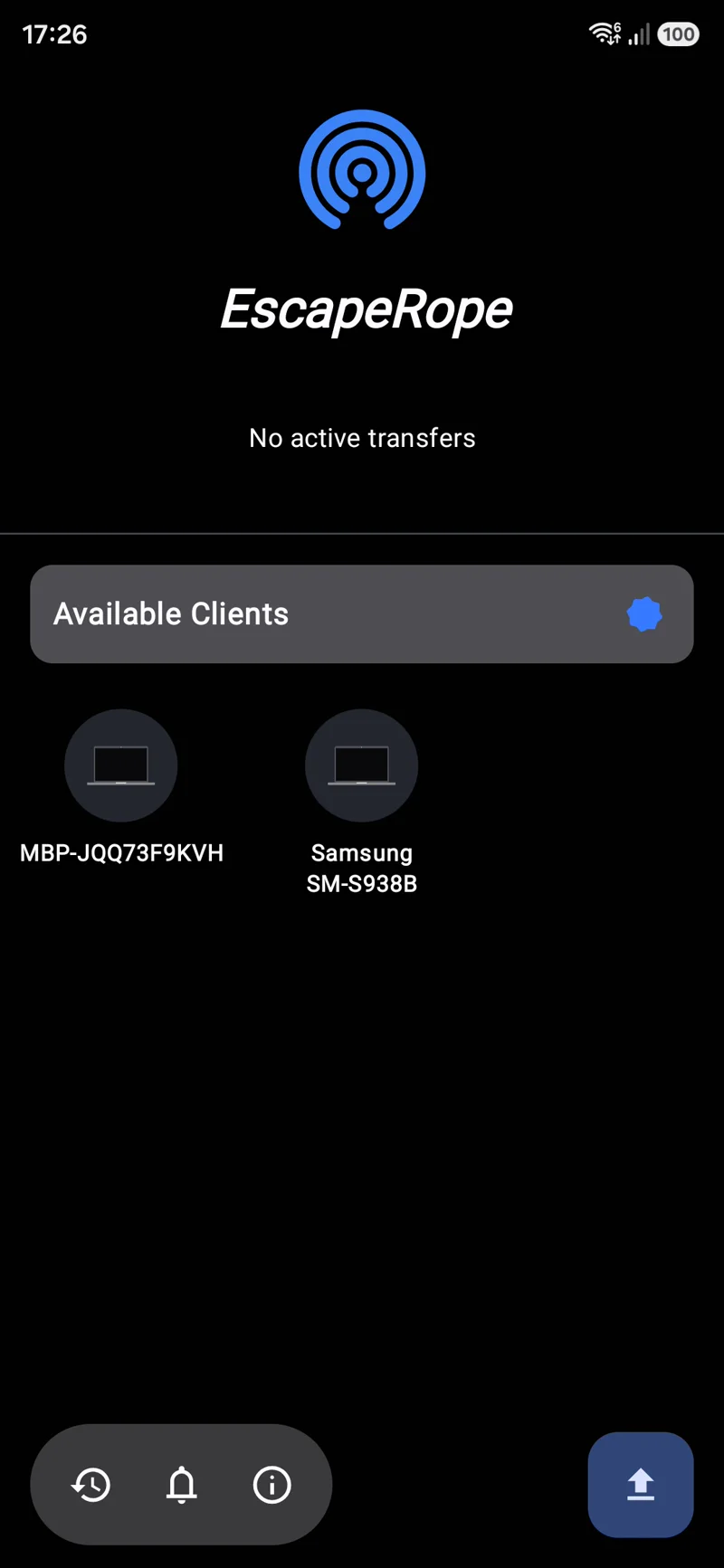
Open the app, pick a device, send. It runs quietly in your Mac's menu bar and your Android's share sheet — ready the moment you need it.
- ✓ Auto-discovers nearby devices on your network
- ✓ Approve incoming transfers with one tap
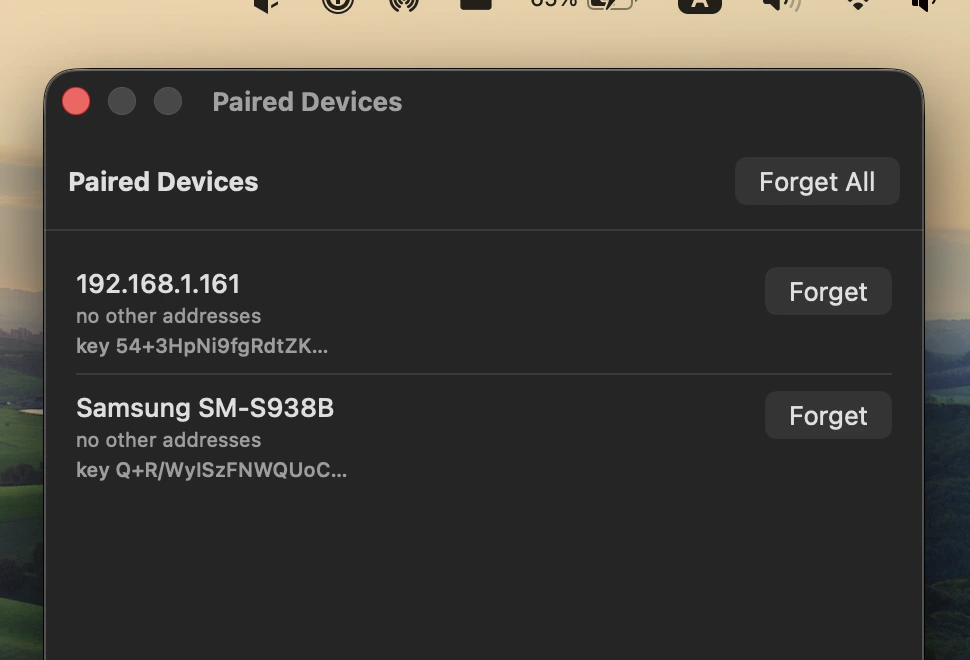
- ✓ Manage trusted devices from the Mac menu bar
See it in action
From your pocket to your desktop — and back.
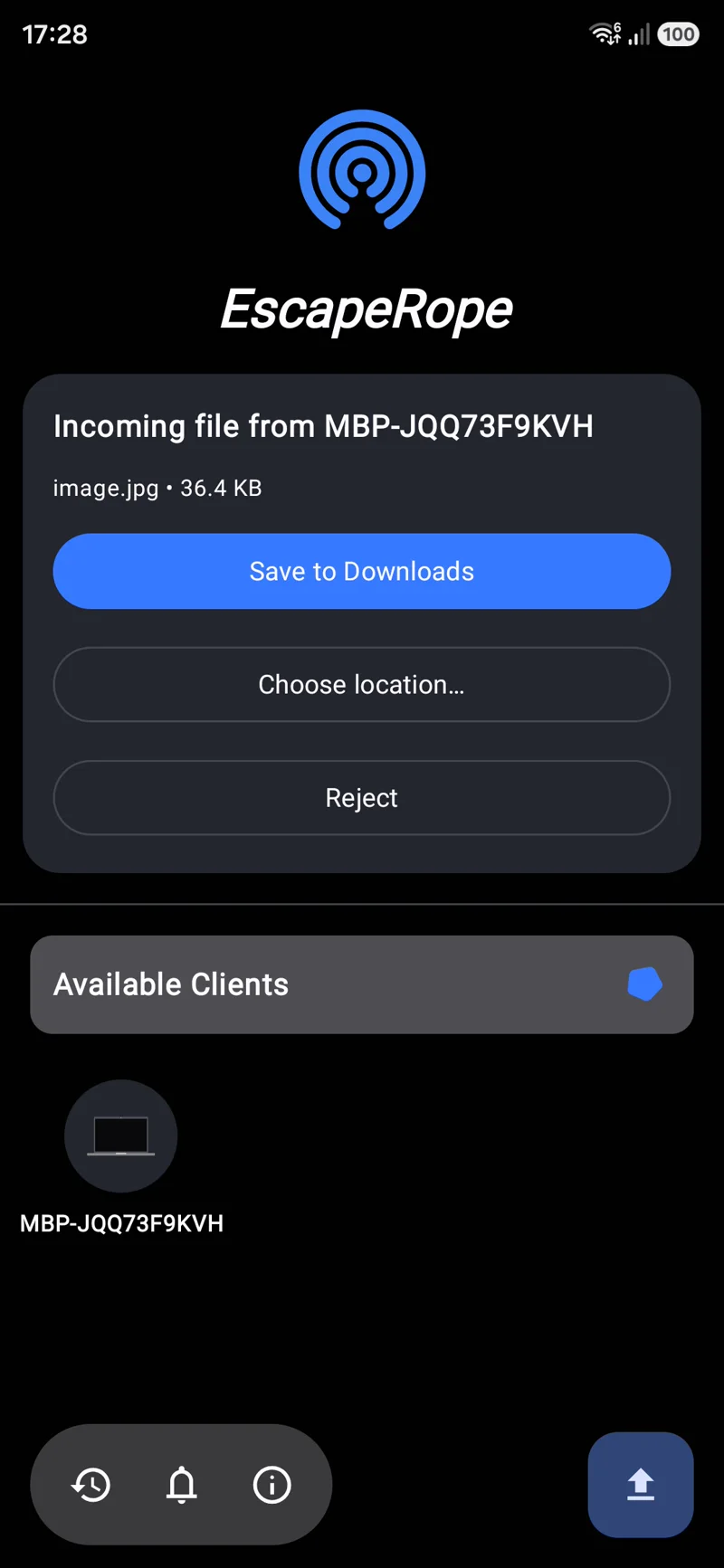
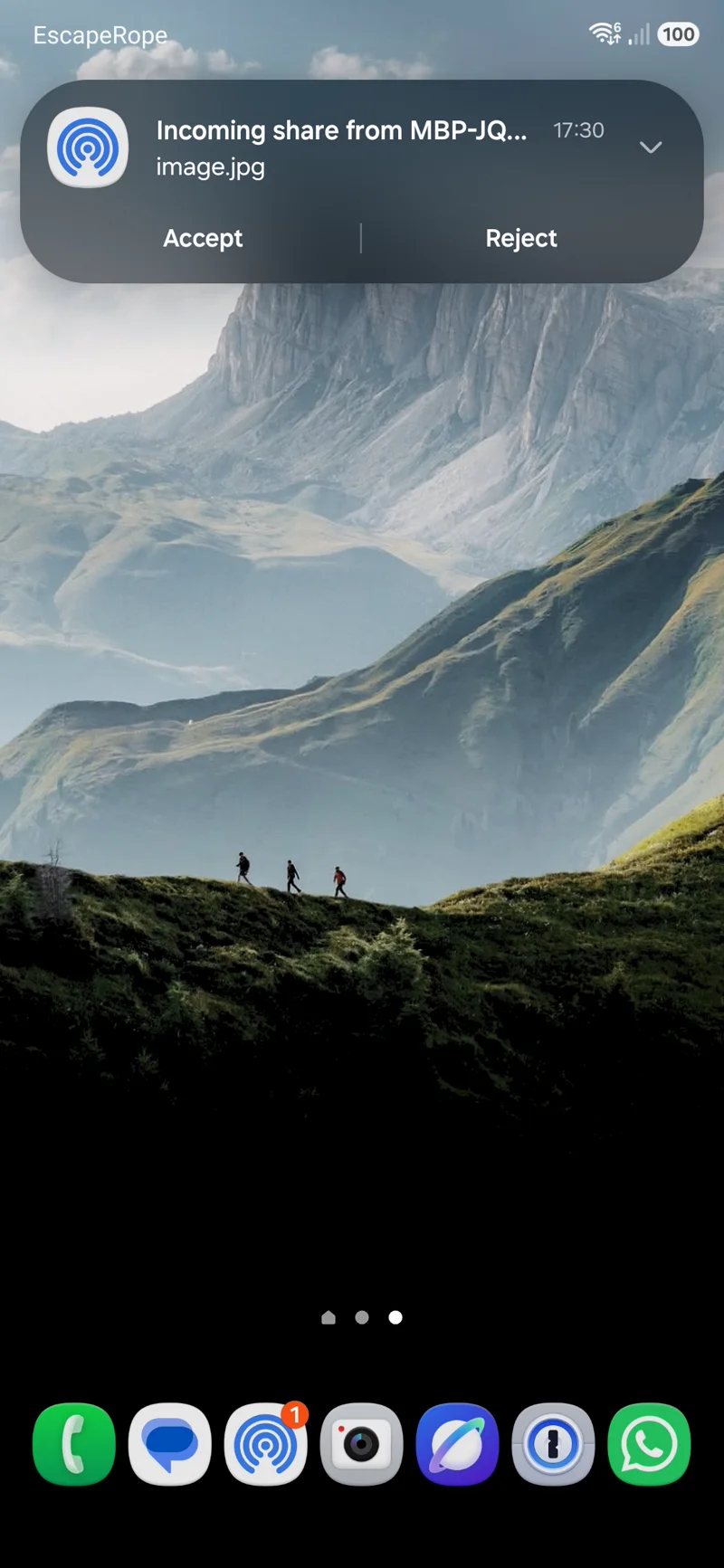
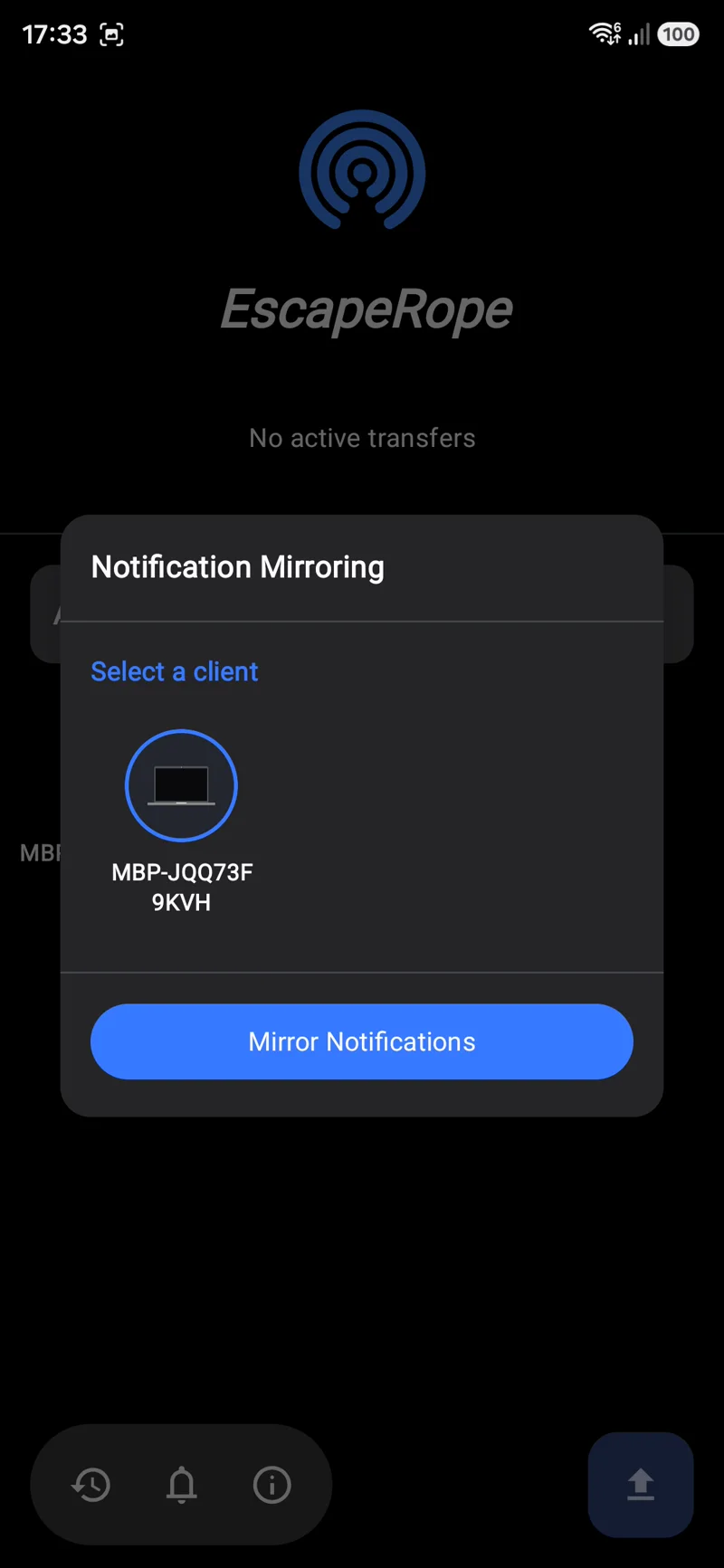
Up and running in a minute
Two installs, one shared Wi-Fi network. That's it.
Install on your Mac
Download the free .dmg and drag EscapeRope to Applications. First launch: right-click → Open.
Install on Android
Grab the app from Google Play and make sure both devices are on the same Wi-Fi.

Share anything
Pick your device in the app or the Android share sheet, hit send, and accept on the other end.
Questions & answers
The stuff people actually ask.
Why is it called EscapeRope?
Because it's your escape rope out of Apple's walled garden. AirDrop only talks to other Apple devices — EscapeRope throws a line across to Android so your phone and your Mac can finally share freely, no ecosystem required.
Doesn't the Pixel support AirDrop now?
It does — but only on Pixel devices, and only at Apple's mercy. EscapeRope is universal (any Android, any Mac), noticeably faster, and does far more than AirDrop: clipboard sync, notification mirroring, and true two-way transfers. And because it runs entirely on your own network without depending on Apple, it won't quietly stop working the next time a convenient "security update" happens to close the door. 😉
Why is the Mac app a .dmg and not on the App Store?
Apple charges $100 a year for the privilege of distributing through them, and EscapeRope is free — so it's a direct download instead. The only catch: macOS doesn't recognize the developer, so you allow it once on first launch.
- Open
EscapeRope.dmgand drag the app into your Applications folder. - Launch EscapeRope — macOS will say it "cannot verify the developer."
- Go to System Settings → Privacy & Security, scroll to the bottom, and click Open Anyway.
- Confirm once, and you're set — macOS won't ask again.
Shortcut: in Applications, right-click EscapeRope → Open → Open.

Cut the cord between your devices
Free, private, and instant. Get EscapeRope on both ends and start sharing.